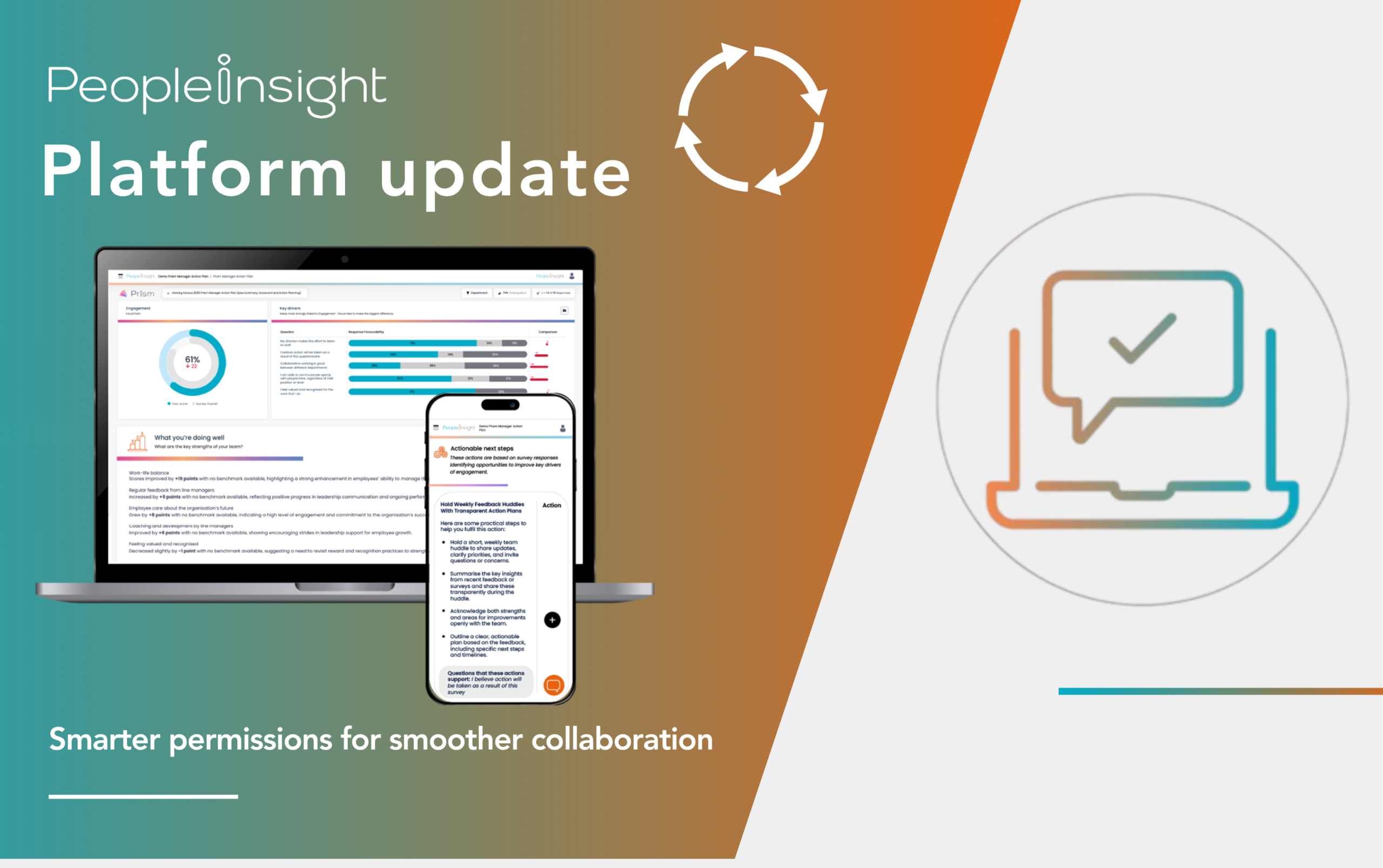















A quick insight: This month’s platform update introduces clearer role permissions to help organisations manage access safely and efficiently. With new Super User and User roles, you can delegate responsibilities confidently, protect data integrity and keep surveys running smoothly.
When organisations run surveys across departments, countries or campuses, the biggest challenge is often not analysis, but access. Who can see what? Who can act on results? Who’s accountable for the next step? Managing permissions can easily become a tangle of spreadsheets and requests.
That’s why our October update focuses on something deceptively simple: role clarity. The introduction of Super user and User roles gives People Insight clients more confidence and control over how people access and manage survey data inside our survey platform.
It’s about creating smoother workflows, reducing risk and supporting the secure, transparent governance standards that organisations now expect from every digital tool they use.
Related: How to use a local action plan to enact meaningful change
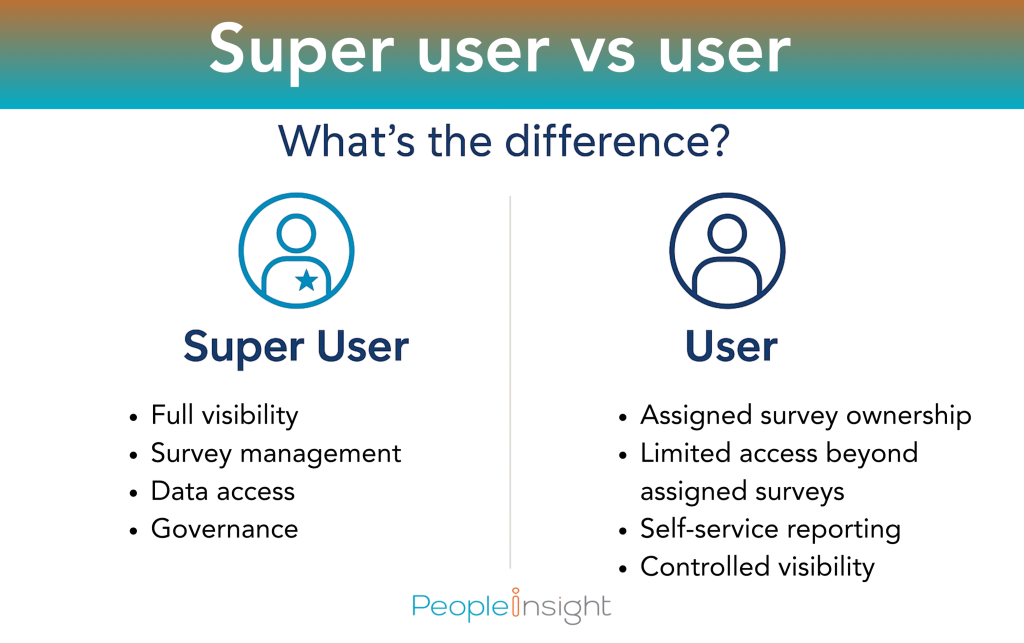
We’ve refined permissions so organisations can assign two clear roles that work in harmony. Let’s introduce you to Super users and Users.
Super users hold full visibility and control across all surveys, dashboards and reports. They can:
Users have focused access to the employee surveys and dashboards that matter to their role. They can:
This update gives large organisations better oversight and smaller ones more flexibility. It also reduces the risk of human error by keeping control with those who are trained to handle sensitive data, while still empowering managers to act locally.
As organisations grow more data-driven, HR and insight teams are under pressure to protect information while keeping momentum. Access management can make or break that balance. The new Super user and User structure gives survey owners a safer way to share access without losing oversight.
It also supports compliance with GDPR and ISO 27001 standards, which call for clear role-based permissions and accountability. Every click in the People Insight platform now reflects that principle: the right people can see the right data at the right time.
But beyond security, we know that clear access builds trust. When employees know their feedback is handled responsibly, confidence in the survey process grows. And when managers have timely access to their data, action follows faster, closing the loop between feedback and follow-through.
Consider a large healthcare organisation with multiple hospitals, or a university running faculty-specific surveys. The HR Director or People Partner acts as the Super user, managing all surveys and permissions. Departmental managers are Users who can access their dashboards and results but not sensitive data from other teams.
The Super user can monitor overall progress, guide timelines and make sure every manager has the information they need to act. Meanwhile, Users can dive straight into the surveys they are assigned to, manage results, plan improvements and communicate progress to employees.
The same model works seamlessly for national charities, local councils and businesses with regional offices. It keeps reporting accurate, conversations focused and data privacy intact.
If you already a People Insight client, you’ll notice a new Roles section in your organisation settings. From here, Super users can:
You’ll also find a short guide in the Help Centre explaining how to check your current permissions and best practices for setting them up.
To make onboarding easier, our team can walk you through the first setup session and show how this new structure integrates with your existing reporting hierarchy.
The clearer your internal permissions, the faster your post-survey cycle becomes. Super Users can see where progress is slowing and help unblock teams. Managers can focus on understanding their results and building action plans, rather than waiting for central approval.
That speed matters. Our benchmark data shows that while 68 percent of employees believe senior leaders make the effort to listen, only 59 percent believe action will be taken after a survey. A quicker route from insight to action helps close that confidence gap.
By giving managers direct, secure access to their own data, you create more conversations and faster follow-through. And when employees see movement, they’re more likely to believe in the process, and respond next time.
Alongside the new role permissions, this update also brings several refinements designed to improve efficiency, clarity and user experience across surveys and reporting:
Scorecard export improvements: Question order is now preserved in downloaded scorecards, making it easier to follow the survey journey and compare questions in context.
Translation and localisation fixes: We have strengthened the way dashboard comments are processed across languages and refined some translated interface text to support global users running multi-language programmes.
System reliability updates: Platform performance has been optimised to support smoother survey delivery, faster email sending and quicker dashboard responsiveness, particularly beneficial for organisations managing large or multiple programmes at once.
These enhancements may appear subtle, but they contribute to a more seamless experience from survey setup to analysis, making it easier for users to work confidently and without interruption.
Security and speed can coexist. With the new roles in place, Super users maintain oversight while User access stays limited to what’s relevant. This keeps sensitive data safe while removing bottlenecks in large-scale feedback programmes.
For organisations operating under strict compliance frameworks (such as those in finance, healthcare or higher education) this dual-role model provides peace of mind. Data handling becomes traceable, transparent and auditable without adding unnecessary admin.
This permissions update lays the groundwork for bigger features to come. Over the next few months, we’re enhancing dashboard functionality to provide more contextual benchmarking, smarter trend detection and more intuitive visual summaries.
We’re also investing in features that will make action planning easier for managers, including guided templates and collaborative spaces for tracking progress. These will sit neatly alongside the new role permissions, supporting faster and safer movement from insight to change.
Every People Insight update, big or small, supports the same goal … helping organisations turn feedback into meaningful change. The introduction of Super user and User roles might look like a technical tweak, but it touches every stage of the survey cycle: from protecting employee sentiment to empowering managers to take confident, independent action.
Want to learn more about how the new Super user and User roles can help your organisation work more efficiently? Get in touch with your People Insight consultant or contact us today to get started on your next employee survey.
People Insight platform update (April 2025)
People Insight platform update (May 2025)
People Insight platform update (June 2025)
People Insight platform update (July 2025)